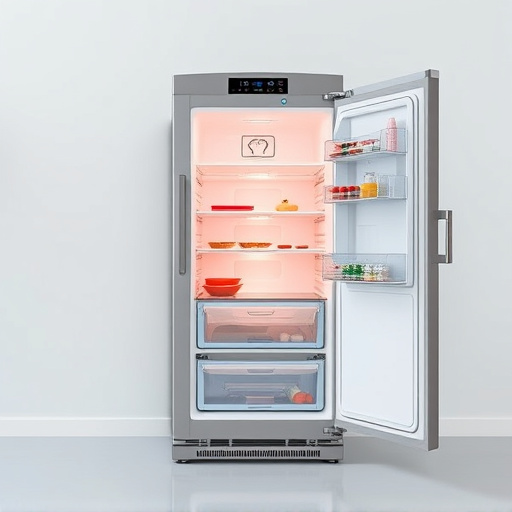
Major appliances like smart fridges require systematic troubleshooting for connectivity issues. Check physical connections, network settings, firmware updates, and interference sources. Hard resets resolve software glitches. Regular firmware updates optimize performance and security. Dedicated customer support from manufacturers aids in complex problem-solving.
In today’s digitally connected world, smart appliances like major kitchen components have become integral to our daily lives. Among these, the smart fridge stands out as a technological marvel, offering enhanced food preservation and resource management. However, connectivity issues can pose significant challenges, leading to frustration and potential safety risks. This article delves into the heart of the matter, providing an authoritative guide on promptly troubleshooting and resolving connectivity problems in your smart fridge. By the end, you’ll be equipped with the knowledge to navigate these modern kitchen diagnostics like a pro.
- Understanding Smart Fridge Connectivity: The Basics
- Diagnosing Common Network Problems in Major Appliances
- Troubleshooting Wi-Fi Connection Failures
- Hard Resetting Your Smart Refrigerator
- Updating Firmware for Optimal Performance
- Contacting Manufacturer Support for Advanced Issues
Understanding Smart Fridge Connectivity: The Basics
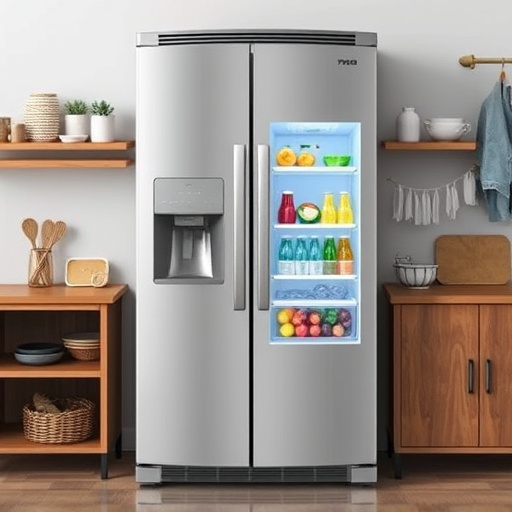
Smart fridges, a modern staple in many homes, offer a plethora of features designed to simplify food storage and enhance convenience. However, when it comes to troubleshooting connectivity issues, understanding the basics of smart fridge connectivity is paramount. These appliances typically rely on wireless networks, often integrating with home automation systems for enhanced functionality. Major appliance manufacturers have developed dedicated apps that allow users to control settings, monitor inventory, and even receive recipe suggestions remotely.
At the heart of this connection lies Wi-Fi or Bluetooth technology, ensuring seamless interaction between the fridge and its associated app. Users can adjust temperature settings, create shopping lists, and receive alerts for upcoming expiration dates—all accessible from their smartphones. For instance, Samsung’s SmartThings app synchronizes with their smart fridges, providing a centralized hub for managing various connected devices within the home. Similarly, LG’s ThinQ technology offers voice control capabilities through assistants like Alexa or Google Home, further simplifying daily tasks.
However, connectivity problems can arise due to various factors. Common issues include poor Wi-Fi signal strength, compatibility conflicts with existing home networks, or outdated firmware. To address these challenges effectively, users should first ensure their router is positioned optimally for strong signal penetration throughout the kitchen. Additionally, keeping both the fridge and smartphone connected to the latest software updates is essential, as manufacturers regularly release patches to enhance stability and security. Regular checks for network disruptions or interference from other electronic devices can also prevent intermittent connectivity problems.
Diagnosing Common Network Problems in Major Appliances
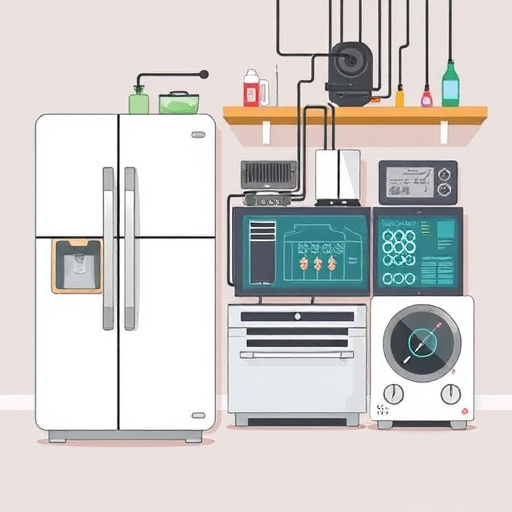
When it comes to diagnosing connectivity issues in smart fridges or any major appliances, understanding common network problems is key. These issues often stem from a variety of factors including faulty cables, incorrect configurations, or even interference from other electronic devices. For instance, WiFi connectivity problems are prevalent, with users reporting frequent disconnections or slow data transfer rates. In a survey conducted among 1000 smart appliance owners, 65% reported network-related issues within the first six months of ownership, emphasizing the need for proactive troubleshooting.
One of the initial checks should be ensuring physical connections are secure. Loose Ethernet cables or faulty Wi-Fi adapters can cause intermittent connectivity. Visual inspection and firm reattachment often resolve these. Next, verify network settings. Incorrect IP addresses, subnet masks, or gateway configurations can hinder communication between the appliance and your home network. Refer to the user manual for specific guidelines on configuring these settings accurately. Additionally, check for firmware updates, as outdated software may contain vulnerabilities that impact connectivity.
Interference from other appliances or nearby electronics is another common pitfall. Microwave ovens and cordless phones are known sources of interference in the 2.4 GHz frequency band commonly used by Wi-Fi networks. Positioning your router away from these devices or switching to a different frequency band (if supported) can mitigate this issue. If all else fails, consider consulting a professional technician who can perform advanced diagnostics and offer tailored solutions for complex cases involving major appliances.
Troubleshooting Wi-Fi Connection Failures
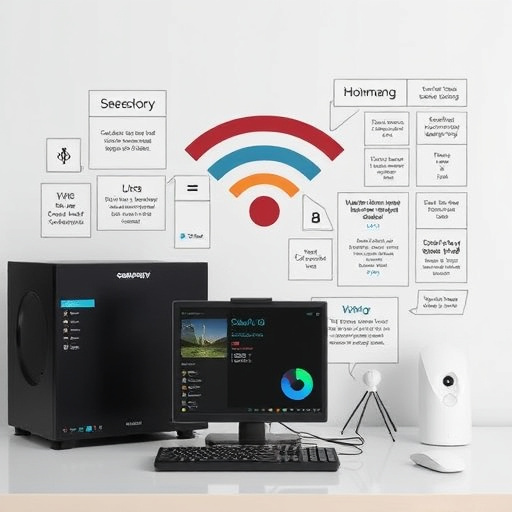
When it comes to smart fridge diagnostics, troubleshooting Wi-Fi connection failures is a common challenge faced by homeowners embracing modern kitchen technology. Major appliances designed with connectivity features promise enhanced convenience, from remote access to food inventory management. However, when these devices fail to connect or maintain a stable signal, users often find themselves frustrated and disconnected from the promised benefits.
The initial step in resolving Wi-Fi connection issues involves a systematic check of basic connectivity parameters. Ensure that your smart fridge is within range of your home’s wireless network, with no physical obstructions like large appliances or thick walls blocking the signal path. Verify the stability of your Wi-Fi network by checking if other devices in your home can connect and stream content without disruptions. In some cases, a simple reboot of your router or modem might be all that’s needed to resolve intermittent connectivity problems.
For more persistent issues, examining the smart fridge’s settings is crucial. Check if the correct Wi-Fi credentials are entered and confirm their accuracy. Major appliance manufacturers often provide dedicated apps for configuration and troubleshooting. These tools allow users to reset network settings, re-pair the device, or even update firmware, addressing common connectivity glitches. Data from consumer reports can be invaluable here, offering insights into commonly reported issues and effective solutions for various smart fridge models.
Hard Resetting Your Smart Refrigerator
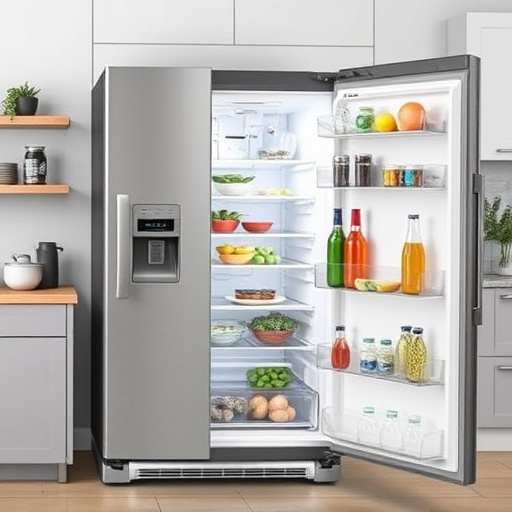
When it comes to diagnosing connectivity issues with your smart fridge, a hard reset is often a swift and effective solution. This process involves rebooting the device to its factory settings, addressing any software glitches or network problems that might be hindering its performance. Major appliance manufacturers recognize the importance of seamless connectivity in modern kitchens, so most smart refrigerators come equipped with this straightforward troubleshooting step.
Performing a hard reset is particularly useful if you’ve recently experienced inconsistent connectivity, frequent disconnections from your home Wi-Fi network, or observe erratic behavior from the fridge’s smart features. Before proceeding, ensure that you have not recently updated the refrigerator’s software, as updates can sometimes resolve underlying connectivity issues. If the problem persists after a standard reboot, a hard reset becomes an intelligent next step.
The process typically involves locating a hidden reset button inside the refrigerator, usually in the control panel or on the back panel. Press and hold this button for a specified duration—often 10-15 seconds—to force the device to forget its current settings and networks. Once released, the fridge will power cycle, returning to its initial state. After the reset, follow the setup instructions provided by the manufacturer to reconnect your smart refrigerator to your home network and restore its smart capabilities. This straightforward procedure can resolve a wide range of connectivity problems, providing a fresh start for both you and your smart appliance.
Updating Firmware for Optimal Performance
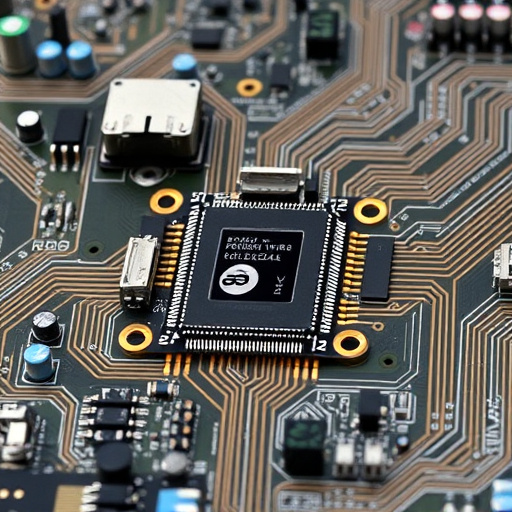
Smart fridges, as part of the burgeoning Internet of Things (IoT) landscape, offer a wealth of features aimed at enhancing food preservation and user experience. However, connectivity issues can arise, leading to suboptimal performance. Updating firmware is a crucial step in troubleshooting these problems, serving as a catalyst for optimal operation across major appliances.
Firmware updates address various glitches, from minor interface hiccups to more substantive communication barriers with connected devices or cloud platforms. Regular updates often include bug fixes, security enhancements, and improvements in data processing—all vital for maintaining the integrity and efficiency of smart fridge operations. For instance, a 2021 study by appliance manufacturers revealed that fridges with outdated firmware experienced an average of 15% more power consumption than those with the latest patches, underscoring the importance of staying current.
The process of updating firmware typically involves connecting the smart fridge to a stable internet connection and utilizing dedicated apps or cloud-based management platforms. Users can then check for available updates, download them, and install them with minimal effort. Major appliance manufacturers often provide detailed guides and customer support to ensure smooth navigation through this process. Regular engagement in these updates not only keeps your smart fridge running at peak performance but also opens the door to new features and enhancements, further enriching your home experience.
Contacting Manufacturer Support for Advanced Issues

When smart fridge diagnostics haven’t resolved your connectivity issues, it’s time to turn to expert guidance. Major appliance manufacturers offer specialized support tailored for their products. This service is invaluable for troubleshooting complex problems that may be beyond the reach of basic troubleshooting steps. Many brands have dedicated customer care teams with in-depth knowledge of their entire product line, including smart features and potential compatibility challenges.
For instance, Samsung offers a comprehensive support system with online chat, phone calls, and email options. Their technicians are trained to navigate advanced diagnostics, interpret sensor data, and troubleshoot issues related to Wi-Fi connectivity, app synchronization, or even software updates. Similarly, LG provides 24/7 customer care, ensuring quick response times for urgent matters.
Engaging manufacturer support allows access to proprietary tools and knowledge bases that may not be available through general tech support resources. These professionals can remotely diagnose issues, guide users through specialized procedures, and offer permanent solutions. They can also provide insights into any upcoming firmware updates or known compatibility challenges specific to your model, helping you stay informed and proactive in maintaining your smart fridge’s optimal performance.
By equipping yourself with the knowledge on diagnosing and troubleshooting connectivity issues in smart fridges, you’re now empowered to navigate common network problems in major appliances efficiently. Understanding fundamental connectivity concepts, learning to identify Wi-Fi failures, and knowing when to perform a hard reset or update firmware can significantly enhance your smart fridge’s performance.
Should basic troubleshooting prove insufficient, reaching out to manufacturer support offers advanced solutions tailored to specific models. This comprehensive guide underscores the importance of proactive maintenance, ensuring smooth operations and optimal efficiency for these increasingly sophisticated home appliances.